
Article Summary
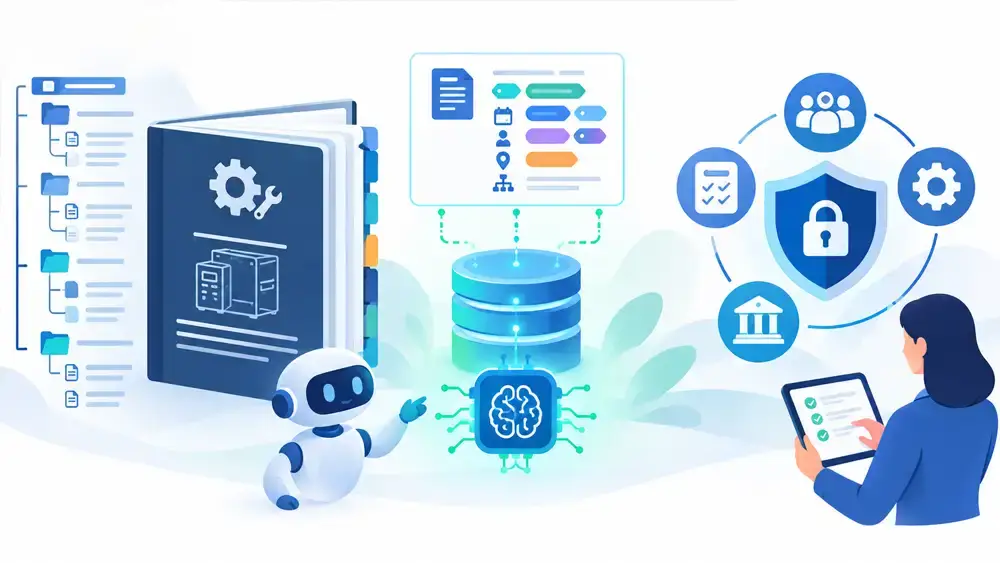
AI tools now read manuals, answer questions, and guide technicians. They do it well only when the content is clear and well organized. This guide shows how to make technical documentation AI-ready. It covers topic structure, plain writing, metadata, images, and governance, with steps you can start this quarter.
More people now ask an AI tool before they open a manual. Technicians ask it. Customers ask it. Your own support team asks it.
These tools do not read like people. They look for clear topics, clear labels, and clear facts. If your content is long, vague, or inconsistent, answers get weaker.
The good news is that the fix is not magic. It is good documentation practice, applied with care. If you want to see what goes wrong first, read why AI answers fail on manual content. This article is the next step: how to fix it.
What “AI-ready” documentation means
AI-ready content is content a machine can find, split up, and understand without guessing. It also means content people can still read with ease.
Many AI tools break your documents into small pieces. Then they search for the pieces that match a question. This is often called retrieval. If a piece has no context, the tool may pick the wrong one or mix two together.
So AI-ready content has five traits:
- Small, focused topics. One idea or task per topic.
- Clear labels. Headings and titles say what the topic is.
- Consistent terms. The same thing has the same name.
- Useful metadata. Tags say which product, version, and audience the topic fits.
- Trusted source. Content is approved, current, and easy to trace.
Why a long PDF is a poor source for AI
A 300-page PDF is built for print habits. It has chapters, page numbers, and cross-references like “see section 4 above.” A machine that cuts that PDF into chunks loses those links.
Here is what often goes wrong:
- A warning sits on page 12. The steps it applies to sit on page 40.
- A table breaks across two pages and loses its header row.
- A sentence says “the unit” or “this setting” with no name.
- Three models share one manual, with no tag for which text applies to which model.
A person can work around these issues. A machine often cannot.
Write in small topics
Break content into topics. Each topic should answer one question or support one task. A good topic stands on its own. It names the product, the task, and the conditions in its first lines.
Use a few simple topic types:
- Task. Steps to do something, such as “Replace the filter.”
- Concept. Short background that explains how something works.
- Reference. Facts in a table, such as specifications or fault codes.
- Troubleshooting. Symptom, cause, and fix.
Keep topics short. If a topic needs a long scroll, split it.
Write plain, exact sentences
Clear writing helps people and machines. Use these habits:
- Name the thing. Write “the pump inlet valve,” not “it.”
- One action per step. Start with a verb. “Close the valve.”
- Put conditions first. “If the light is red, turn off the power.”
- Use numbers and units. Write “tighten to 25 Nm,” not “tighten firmly.”
- Keep warnings close. Place each warning in the same topic as the step it protects.
- Avoid “see above.” Link to a named topic instead.
See the same topic before and after
Switch views. Then select a change to see why it helps AI tools and people.
Standardize your terms
If one manual says “controller,” another says “control unit,” and a third says “PLC,” a machine may treat them as three things. So might a new technician.
Build a short term list. Choose one preferred name for each part, setting, and action. Keep a list of banned synonyms. Share it with writers, engineers, and translators.
This work also pays off in translation. Clean terms reduce errors and cost. See how multilingual XML and DITA translation workflows use structure to keep languages in sync.
Add metadata that answers “which one?”
Metadata is data about your content. It tells a system what a topic is about and who it is for. Without it, a tool must guess.
Useful tags include:
- Product and model.
- Software or firmware version.
- Topic type. Task, concept, reference, or troubleshooting.
- Audience. Operator, technician, installer, or admin.
- Language and region.
- Revision date and status. Approved, draft, or retired.
- Safety level. Whether the topic holds a warning.
Do not tag everything. Start with the tags that stop wrong answers. Product, version, and status are usually the first three.
Make tables, images, and files readable
- Tables. Use real table markup with header rows. Do not paste tables as images.
- Images. Add alt text and captions that say what the image shows. Label parts in text, too.
- Callouts. Mark warnings and cautions with consistent labels.
- File formats. Provide HTML or structured text, not only scanned PDFs.
- Stable links. Give each topic a permanent ID so links do not break after edits.
Our team also explains how to use exploded views in parts content. Clear drawings with matching text help both readers and search tools.
Use a single source of truth
When the same text lives in five documents, they drift apart. An AI tool may find all five and quote the wrong one.
Write once, reuse often. This is the idea behind single-source authoring. One approved topic feeds many outputs. When you fix it, every output updates.
Set governance rules
Good structure is not enough. You also need rules for who can change content, and how AI use is checked. This matters most in regulated fields. Read about the risks of AI in regulated technical writing for context.
Build a light governance plan:
- Name content owners. Each topic has someone responsible.
- Define approval steps. Only approved topics reach the AI source set.
- Retire old content. Mark old versions clearly, or remove them from the source set.
- Review AI answers. Test common questions each quarter. Log wrong answers and trace them to the source.
- Keep humans in the loop. For safety content, a person should review any AI-generated text before use.
- Track versions. Know which release of the content each answer drew from.
A simple starting plan
You do not need to convert everything at once. Try this order:
- Pick one product line. Choose one with many support questions.
- List the top 25 questions. Use support tickets and technician calls.
- Find the source content. Note where each answer lives today.
- Rewrite those topics. Make them small, exact, and tagged.
- Test. Ask the same 25 questions to your AI tool. Check the answers against the source.
- Expand. Add more topics and product lines as results improve.
How CPG Documentation can help
We restructure manuals, build term lists, and set up content for reuse and publishing. We can also help you plan the human review step, so safety content stays accurate.
- Technical writing to rewrite content into clear, small topics.
- Document production to publish the same content in many formats.
Want to see how your manuals would hold up? Contact us for a content review.
Frequently asked questions
What is AI-ready documentation?
AI-ready documentation is content that machines can find, split, and understand without guessing. It uses small topics, clear labels, consistent terms, and useful metadata. It is also easy for people to read.
Do we need to switch to XML or DITA?
Not always. XML and DITA make structure and reuse easier at scale. But you can start with well-organized topics, plain writing, consistent terms, and good tags in your current tools. Move to structured authoring when volume and reuse needs grow.
Why do AI tools struggle with long PDFs?
Long PDFs split into chunks that lose context. Warnings can separate from steps. Tables can break. References like “see above” stop making sense. Small, labeled topics avoid these problems.
What metadata should we add first?
Start with product and model, software version, and content status. These three tags help stop answers that draw on the wrong product, an old version, or a retired document. Add topic type and audience next.
Can AI write our technical documentation?
AI can help with drafts and edits. For safety and regulated content, a qualified person must review and approve the text. Keep a record of who approved what and when.
How do we test whether our content works with AI?
List 25 common questions from support and field teams. Ask your AI tool each one. Compare the answers to your approved content. Log each wrong answer and trace it back to its source topic. Repeat each quarter.